

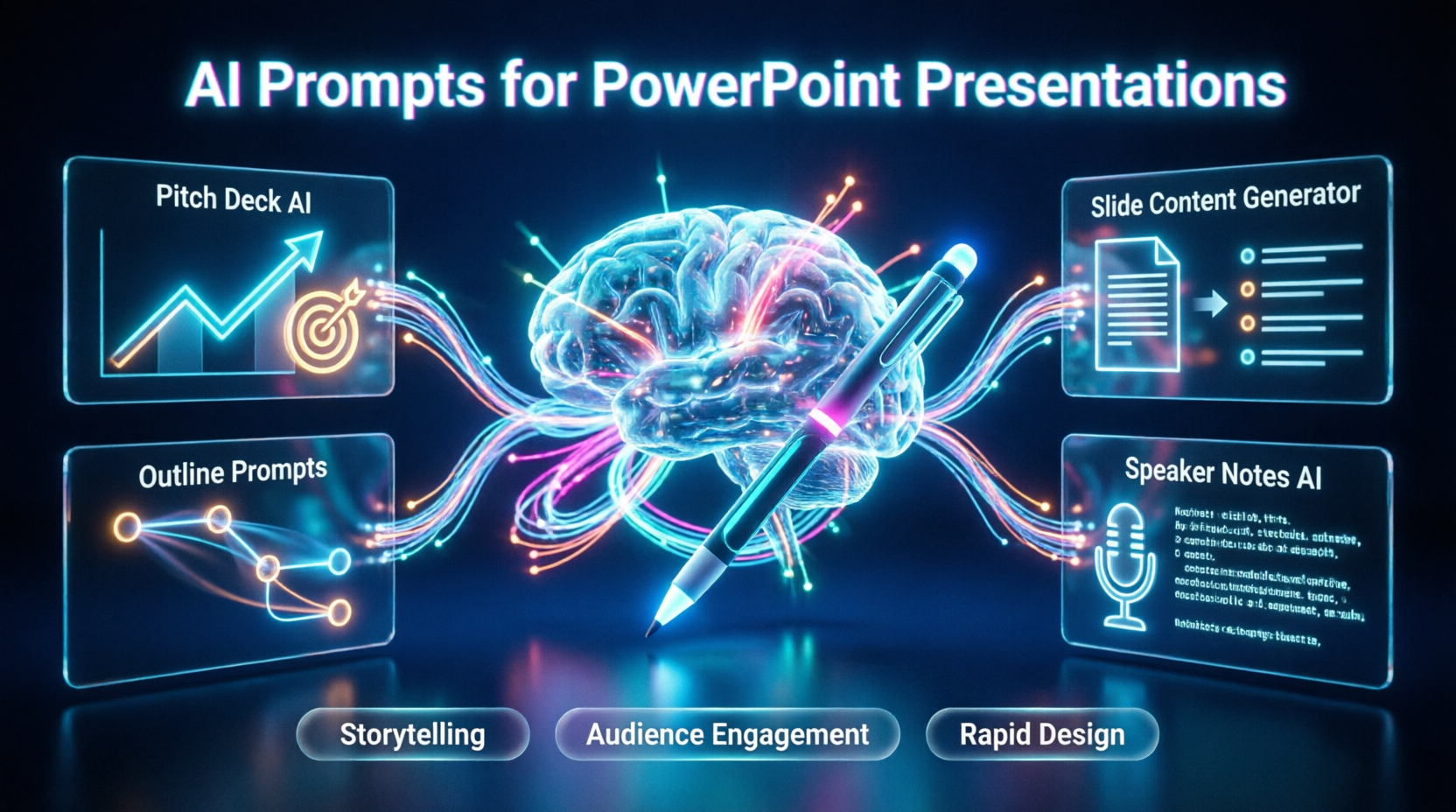
Mastering AI prompts for PowerPoint presentations is the absolute best way to ensure your business communications, investor pitches, and internal reports are delivered with unprecedented clarity, visual impact, and persuasive power. In an era where attention spans are shrinking and the demand for high-quality visual storytelling is at an all-time high, relying on manual slide creation, generic templates, and last-minute scrambling is no longer a viable strategy for professional success. Today, forward-thinking executives, founders, and marketers are leveraging advanced AI prompts for PowerPoint presentations to automate tedious formatting, generate compelling narratives, and design stunning visuals in a fraction of the time. However, simply asking an AI to "make a presentation" often results in disjointed, generic, and easily ignored slides. If you are looking to understand exactly how to structure your inputs and select the right slide deck AI prompts to secure buy-in and drive action, you are in the right place.
This comprehensive guide demystifies the intersection of artificial intelligence and professional presentation design. We will explore the foundational mechanics of presentation outline prompts, detail how to craft effective pitch deck AI prompts, and provide a strategic blueprint for utilizing an AI slide content generator. By the end of this article, you will have a clear, actionable framework for building reusable templates, mastering the executive summary AI prompt, and choosing the perfect AI prompts for a PowerPoint presentation workflow that delivers maximum audience engagement and professional impact.
1. The Presentation Revolution: Why AI Prompts for PowerPoint Presentations Matter in 2026
Historically, creating a high-stakes presentation required a delicate balance of copywriting, graphic design, and data visualization—a skill set that took years to develop and hours of tedious manual labor to execute. As the volume of meetings, pitch opportunities, and internal reporting has grown exponentially, this traditional model has become economically unsustainable and prone to "blank canvas syndrome." The emergence of sophisticated Generative AI, Natural Language Processing (NLP), and integrated design algorithms has introduced a paradigm shift.
Understanding how to leverage AI prompts for PowerPoint presentations is critical because the gap between professionals who communicate with AI-assisted precision and those who rely on outdated, text-heavy slides is the difference between securing funding and facing rejection. The shift from manual drafting to AI-driven presentation design represents a monumental upgrade in productivity. Modern AI prompts for PowerPoint presentations do not just generate bullet points; they analyze your target audience, structure a logical narrative arc, and suggest visually engaging layouts. According to a 2026 Harvard Business Review report on workplace productivity, professionals who utilize structured AI prompts for PowerPoint presentations report a 60% reduction in deck creation time and a 40% increase in audience engagement scores compared to those using traditional methods.
2. Core Capabilities: Maximizing AI Prompts for PowerPoint Presentations
To make the most of these tools, you must first understand the primary drivers behind modern AI prompts for PowerPoint presentations. These solutions typically leverage a combination of large language models and design heuristics to transform raw ideas into structured, highly compelling visual assets.
Narrative Structuring and Logical Flow
Unlike legacy templates that force your content into rigid boxes, advanced AI prompts for PowerPoint presentations allow the AI to act as a strategic consultant. By providing context about your goal and audience, the AI can generate a cohesive narrative flow, ensuring each slide logically builds upon the previous one to drive toward your desired call to action.
Automated Content Condensation
A common pitfall in presentation design is information overload. An effective AI slide content generator prompt instructs the AI to distill complex reports, whitepapers, or meeting transcripts into concise, impactful bullet points, ensuring the slide remains visually clean while the speaker delivers the nuanced details verbally.
3. Structuring Success: Presentation Outline Prompts and Pitch Deck AI Prompts
The foundation of any great deck is a solid outline. Using targeted presentation outline prompts and pitch deck AI prompts ensures you capture attention instantly and maintain it throughout.
The "Investor-Ready" Pitch Deck Prompt
"Act as a seasoned venture capital partner and expert pitch deck designer. Create a 10-slide outline for a startup pitch deck in the [Industry] space. The startup solves [Specific Problem] by [Unique Solution]. For each slide, provide: 1) The slide title, 2) 3 concise bullet points of core content, and 3) a suggestion for the visual element (e.g., 'bar chart showing market growth', 'product mockup'). Ensure the flow follows the standard VC narrative: Problem, Solution, Market Size, Product, Traction, Business Model, Team, and Ask."
The "Executive Alignment" Outline Prompt
"Generate a 5-slide presentation outline for an executive leadership team. The goal is to get approval for [New Initiative/Project]. Slide 1: Executive Summary. Slide 2: Current Pain Points. Slide 3: Proposed Solution and ROI. Slide 4: Resource Requirements. Slide 5: Next Steps and Decision Needed. Keep the tone highly professional, data-driven, and concise."
By using these pitch deck AI prompts, you force the AI to prioritize business logic and investor psychology, which are the true drivers of successful fundraising and internal buy-in.
4. Enhancing Delivery: Speaker Notes AI Prompt and Presentation Storytelling Prompts
A great slide deck is only half the battle; how you deliver it is equally critical. Crafting the right speaker notes AI prompt and utilizing presentation storytelling prompts are crucial for maintaining audience engagement and projecting confidence.
The "Engaging Speaker Notes" Prompt
"Act as a professional presentation coach. I am going to provide you with the bullet points for a slide about [Topic]. Write a 60-second spoken script for the speaker notes. The tone should be conversational, confident, and engaging. Include one rhetorical question to engage the audience and one brief, relevant anecdote to illustrate the point. Do not just read the bullet points verbatim."
The "Data Storytelling" Prompt
"I have a slide showing a 20% increase in Q3 customer retention. Transform this dry statistic into a compelling micro-story for my presentation. Frame it around a specific customer persona ('Meet Sarah, who used to struggle with...') to make the data relatable and emotionally resonant for the audience."
Using a structured executive summary AI prompt or storytelling prompt ensures you hit all the psychological requirements for a successful presentation: clarity, relatability, and a strong, memorable conclusion.
5. Strategic Implementation: Best Practices for AI Prompts for PowerPoint Presentations
To get the most out of your AI prompts for PowerPoint presentations, you must approach the interaction strategically, just as you would when briefing a human design agency.
Provide Rich Context and Constraints
The AI is only as good as the information you give it. Always specify the target audience (e.g., "technical engineers" vs. "C-suite executives"), the desired tone (e.g., "urgent and disruptive" vs. "calm and authoritative"), and strict length constraints (e.g., "maximum 40 words per slide"). The more context the AI has, the less generic the output will be.
Iterate and Refine the Output
Do not settle for the first draft. If the AI’s output sounds too academic or salesy, follow up with: "Make the tone 20% more conversational. Remove any corporate jargon like 'synergy' or 'leverage', and shorten the bullet points to a maximum of 6 words each for better visual impact."
Maintain Brand Consistency
While AI can generate content, you must ensure it aligns with your company’s brand voice. Create a "Brand Voice Calibration" prompt where you paste three examples of your company’s past successful presentations and ask the AI to analyze and mimic that specific style, vocabulary, and pacing for all future AI prompts for PowerPoint presentations.
6. Comprehensive Query Coverage
What are the best AI prompts for PowerPoint presentations for beginners?
For beginners, the best AI prompts for PowerPoint presentations focus on structure and simplicity. Use a prompt like: "Create a simple 5-slide outline about [Topic] for a general audience. Provide a clear title and 3 short bullet points for each slide, plus a suggestion for an image."
How do presentation outline prompts improve the final deck?
Presentation outline prompts improve the final deck by forcing the AI to establish a logical narrative arc before generating individual slides. This prevents the common mistake of creating disjointed, repetitive slides that lack a cohesive central message.
Can I use a speaker notes AI prompt for virtual webinars?
Yes. A speaker notes AI prompt is highly effective for virtual webinars. You can instruct the AI to include specific cues like "[Pause for effect]" or "[Ask audience to type in chat]" to help you maintain energy and interaction in a remote setting.
How often should I use pitch deck AI prompts when fundraising?
It is recommended to use pitch deck AI prompts during the initial structuring phase and whenever you are tailoring the deck for a specific investor's thesis. While the core product slides remain stable, the "Problem" and "Market" slides should be dynamically adjusted using AI to resonate with each specific firm.
Are AI slide content generators safe to use for confidential company data?
When using AI prompts for PowerPoint presentations in public, web-based AI chatbots, never paste sensitive, non-public financial data, proprietary code, or confidential strategic plans. Use placeholders like [Confidential Revenue Figure] to protect your data privacy while still getting a highly tailored structural output.
Conclusion
Mastering AI prompts for PowerPoint presentations is no longer just a productivity hack; it is a fundamental requirement for navigating the modern, visually driven business landscape. By moving beyond basic text generation and understanding the nuances of presentation outline prompts, the strategic use of pitch deck AI prompts, and how to leverage a speaker notes AI prompt, you can ensure your communications consistently resonate and drive action.
Whether you are utilizing an AI slide content generator to distill complex reports, building a library of reusable presentation storytelling prompts, or refining your executive summary AI prompt to perfectly match your brand voice, the key to success lies in rich context, iterative refinement, and authentic delivery.
As presentation technology continues to evolve, the professionals who thrive will be those who know how to harness AI as a personal, on-demand presentation designer and speechwriter. Embrace the power of intelligent AI prompts for PowerPoint presentations today, and position your career at the absolute forefront of the modern communication revolution.



Comments
Comments are closed.